
In the current ADD, Facebook, Twitter and other social media information onslaught world, it is hard to concentrate and read – the often very useful and insightful – articles which said sites suggest to us.
You start reading one, you see an ad or another article title in the side bar, you click the link, start reading the next article and so on and so forth – never finishing the original article.
Maybe you open lots of tabs – to “bookmark” the article and to come back to it later. But they just build up and you never come back to them. Before you know you it, you have 50+ tabs open and no longer know what’s where.
You stress, you get upset and in the end you have to trash the lot and start again.
Enter “reader mode”.
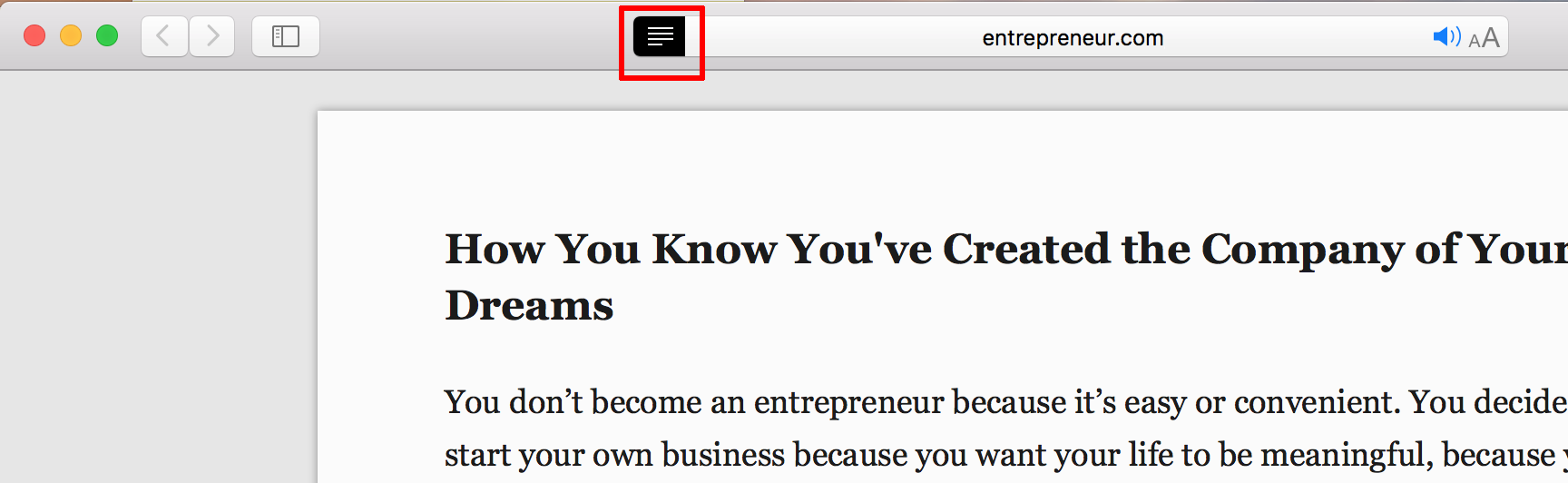
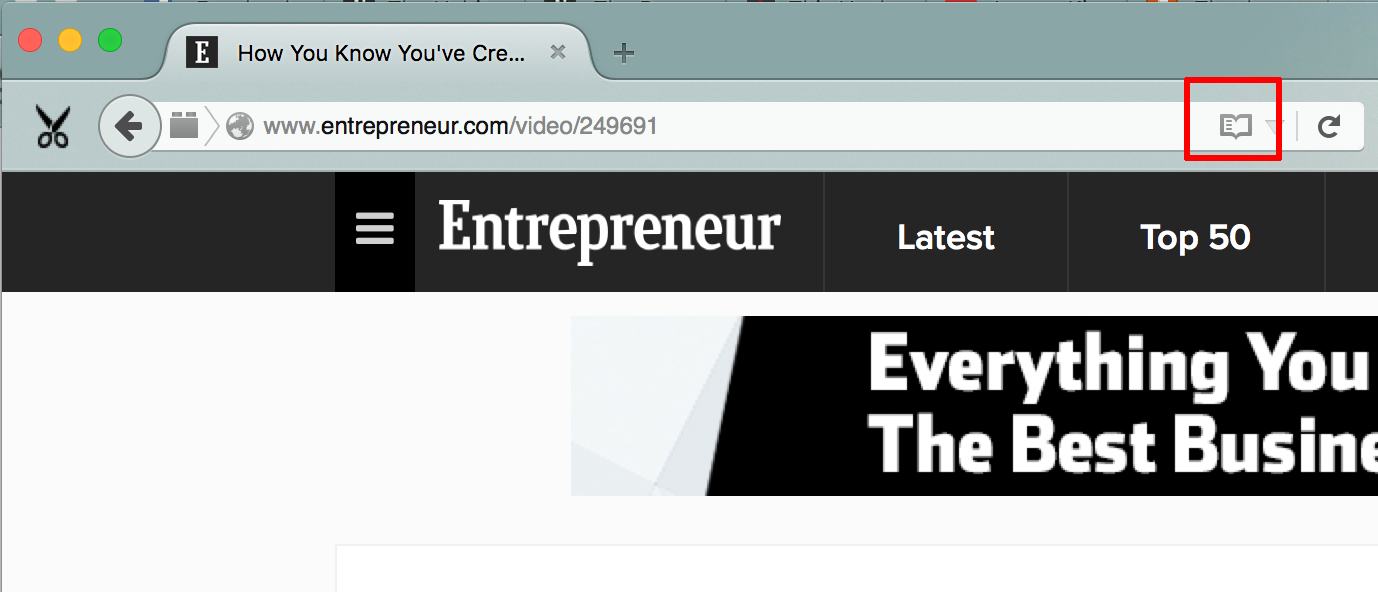
Mozilla FireFox and Apple Mac OS Safari both offer this feature and it is superb for blocking out the distraction and getting to the end of the article, post or piece of news.
“Reader mode” hides all the menus, most ads, side bars and everything else that’s distracting and leaves just the main article or post content.
This site supports this too. Go on, try it now!
Reading this way will massively help you ingest and digest more content, wholly rather than bitty, thus actually learning more new skills – and stressing less about the information overload as well as FOMO (fear of missing out).
Next time you open an article on news sites such as BBC, Entrepreneur, Fast Company or any site that supports this (most content rich sites do), click the “reader mode” on and enjoy the “quiet”!

 Mind Iterations
What fundamentally changed the way I read online material is using the Pocket app… no more 50 browser tabs which i never come back to!
LikeLiked by 1 person